Welcome to the Quick Start Guide
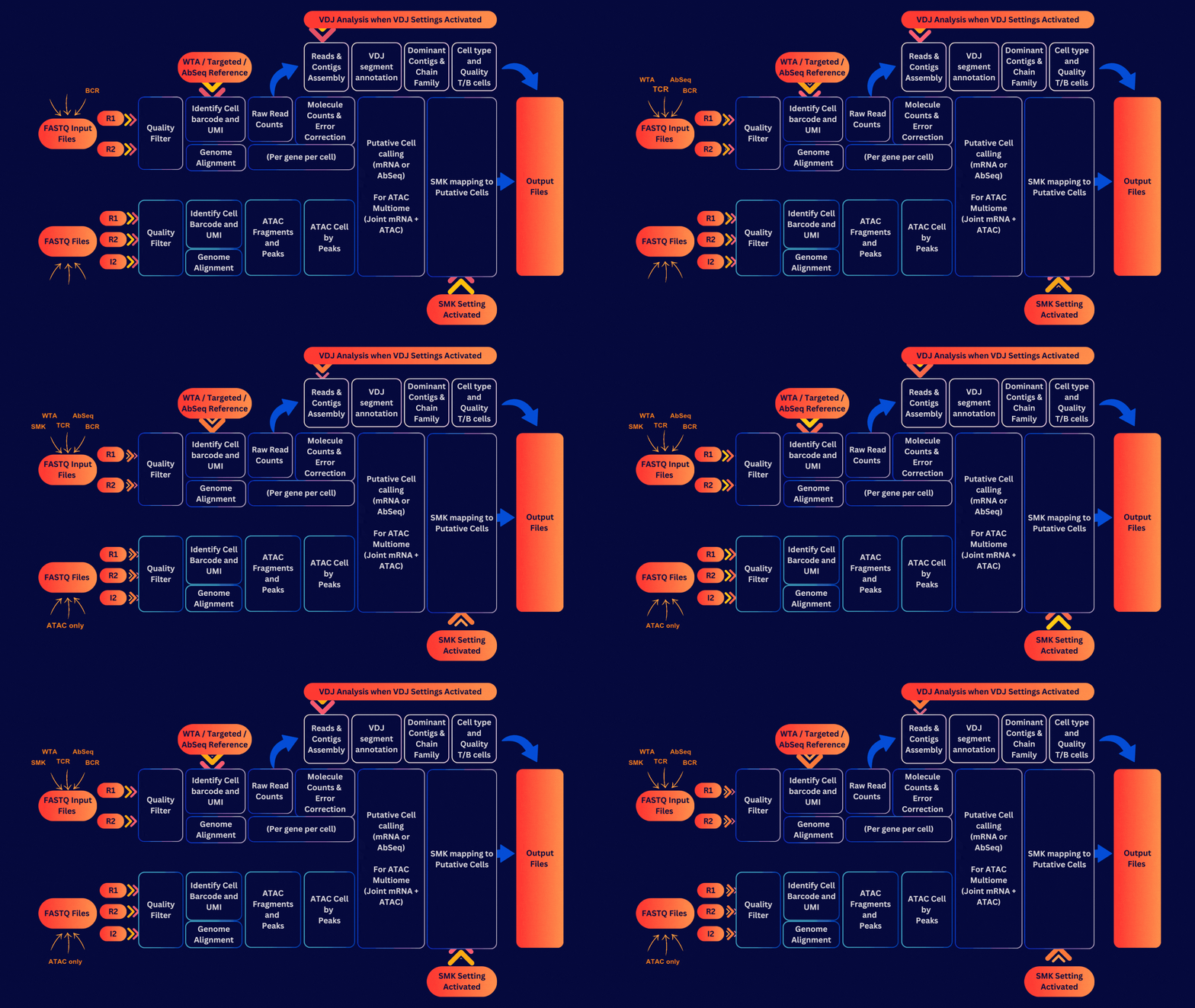
This guide is designed to help you get started with the BD Rhapsody™ Pipeline version 2.3 and above.
For Cloud Computing (Velsera) User:
- Prepare your FASTQ files.
- Setup your project (See Step1: Setup Velsera).
- Upload FASTQ files (see Step2: Upload Files ).
- Specify reference inputs (see Step3: Import Reference).
- Run the pipeline (see Step4: Set Up Pipeline).
- Review outputs while waiting (see Pipeline Output).
- Review Step6: Troubleshoot and contact support if your pipeline run fails.
- Download output files once complete and back up your data.
For Local Installation User:
- Set up the pipeline (see Step1: Setup Local Installation).
- Upload FASTQ files to your machine.
- Specify reference inputs (see Step3: Download Reference).
- Run the pipeline (see Step4: Set Up Pipeline).
- Review outputs while waiting (see Pipeline Output).
- Review Step5: Troubleshoot and contact support if your pipeline run fails.
- Download output files once complete and back up your data.